Basic Information
iBroadcast2
iBroadcast2 is the BBC’s AV media publishing application, used by radio and multiplatform teams for publishing content to the BBC’s Embedded Media Player. It can also be used to curate and present content through several functions including collections, galleries, promotions and segments.
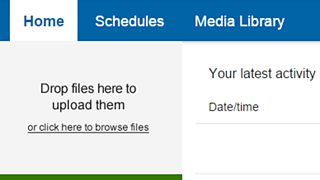
Home
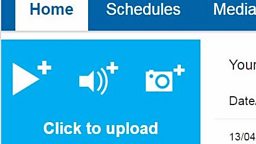
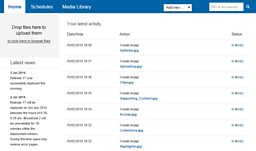
The Home tab is where you will find the iBroadcast2 uploader, information about the Latest News (software updates and releases), plus information about your latest activity.
Schedules
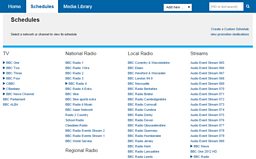
The Schedules tab is where you will find information about network schedules.
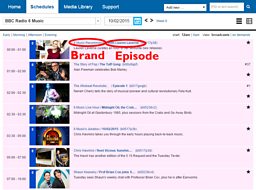
When you navigate to a network, you can view brand and episode pages using the blue links.
Media Library
The Media Library allows you to view media that you have uploaded and published. You also have the option to view media uploaded by other people in your group, plus collections using the blue Aggregations link.

Search

From any tab, you can search for a brand, programme or clip by adding a Programme ID (PID) or title in the search bar. Either press Enter or the magnifying glass to search.
Add new
From any tab, you can select the Add new drop down menu for a number of options including Clip, Collection, Gallery and Promotion (these will vary depending on the level of access you have).
Group
Use the blue drop down menu to see which group/groups you belong to. If you do not have the access you require, contact R&M Support.
Related Tasks
![]()
Access
Getting access to iBroadcast2.
![]()
Uploading
How to upload media.
![]()
Image Publishing
Add an image.
![]()
Publishing Clips
Publish clips.