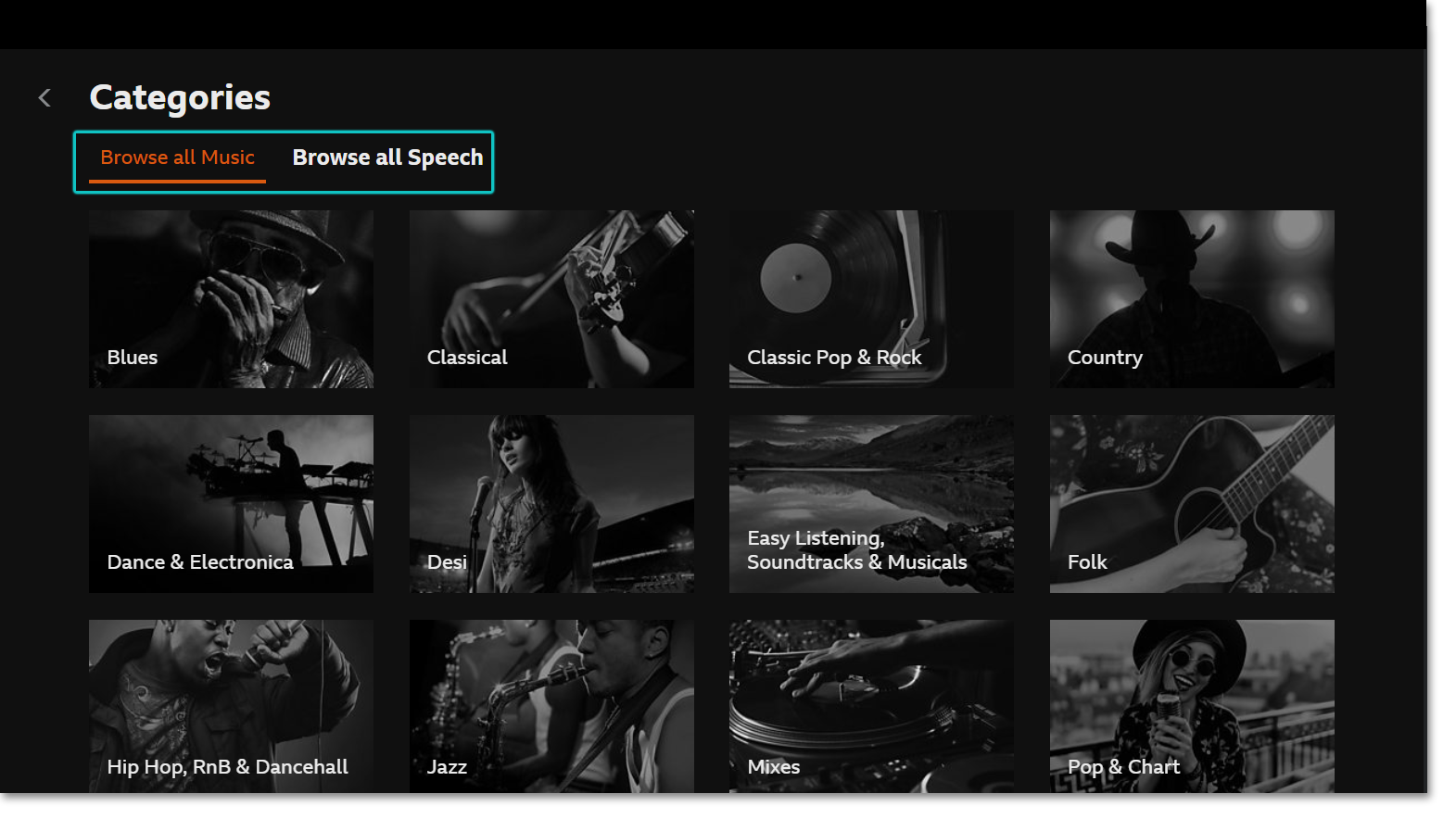
To find categories, head to the homepage and scroll down. You'll find the Categories grid at the bottom.
On the mobile/tablet app, you can also find categories in the Search menu, or you may choose to browse the categories within the Explore section.
If you know the category you're looking for, you can also search for it on any device.
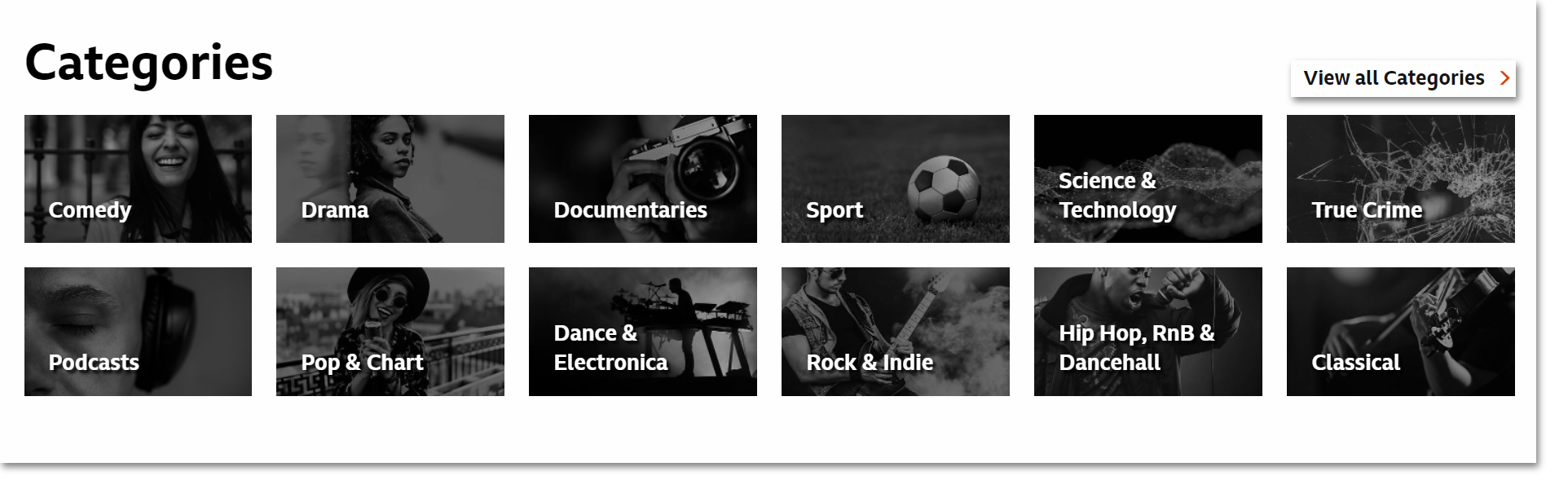
When looking at categories from the homepage or search page, you can choose to 'View all' which will split between speech and music.
Use the 'View all' button to see all content within that category. You can choose to filter the listed programmes by popular, latest or A-Z.
Using the BBC Sounds TV app?
Head to the Homepage and scroll down to find the list of categories. You can select to 'View all' on the right hand side. You can also find categories in the Search menu.
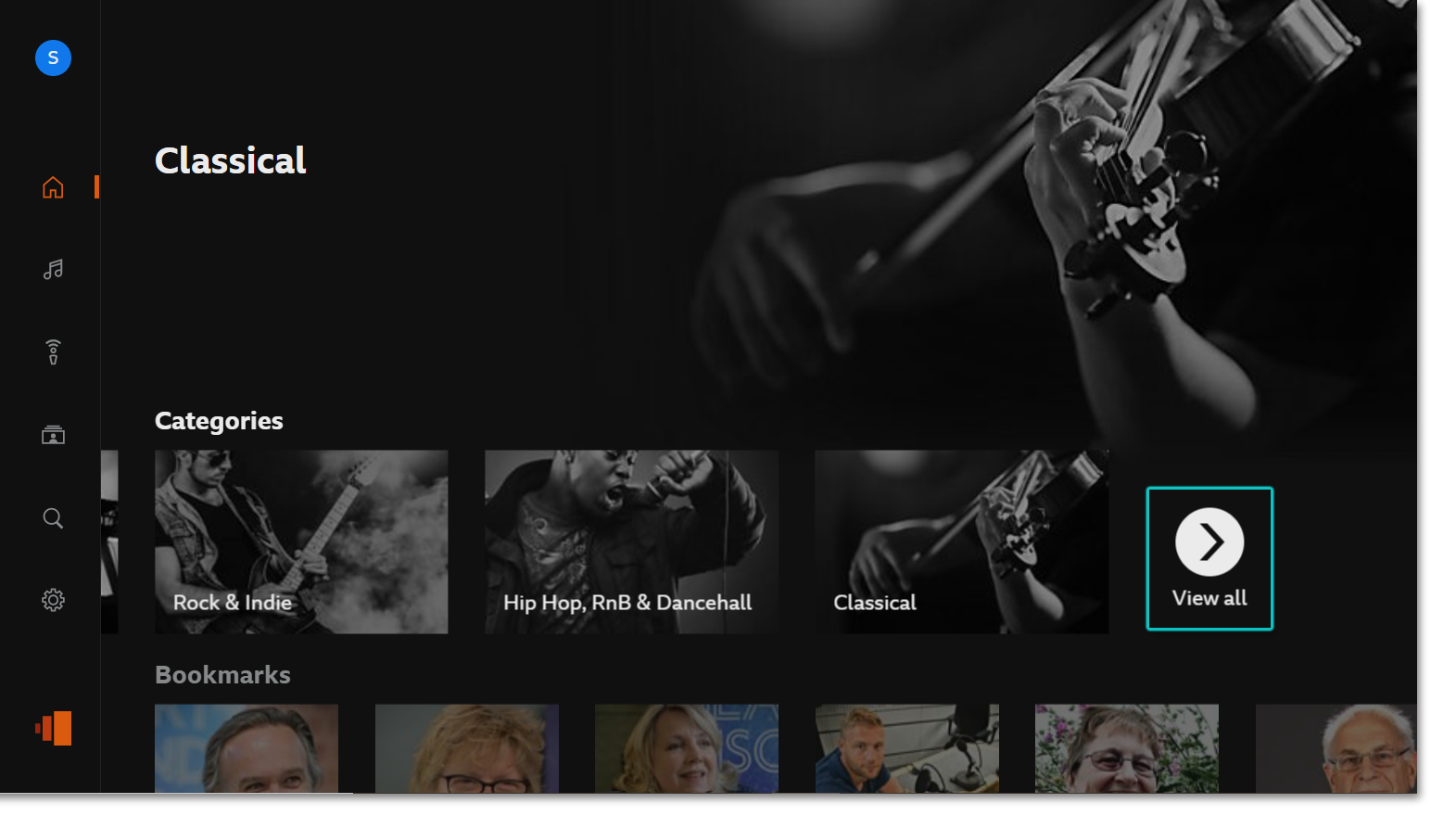 You can choose to Browse all Music or Browse all Speech. When a category is selected, you can sort the programmes by popular or latest.