
Child profiles can be deleted within your account settings. You'll need to do this on the website.
1. Go to your BBC account settings
2. Click into the Children's settings tab from the menu on the left-hand side
3. Click on Delete child profiles
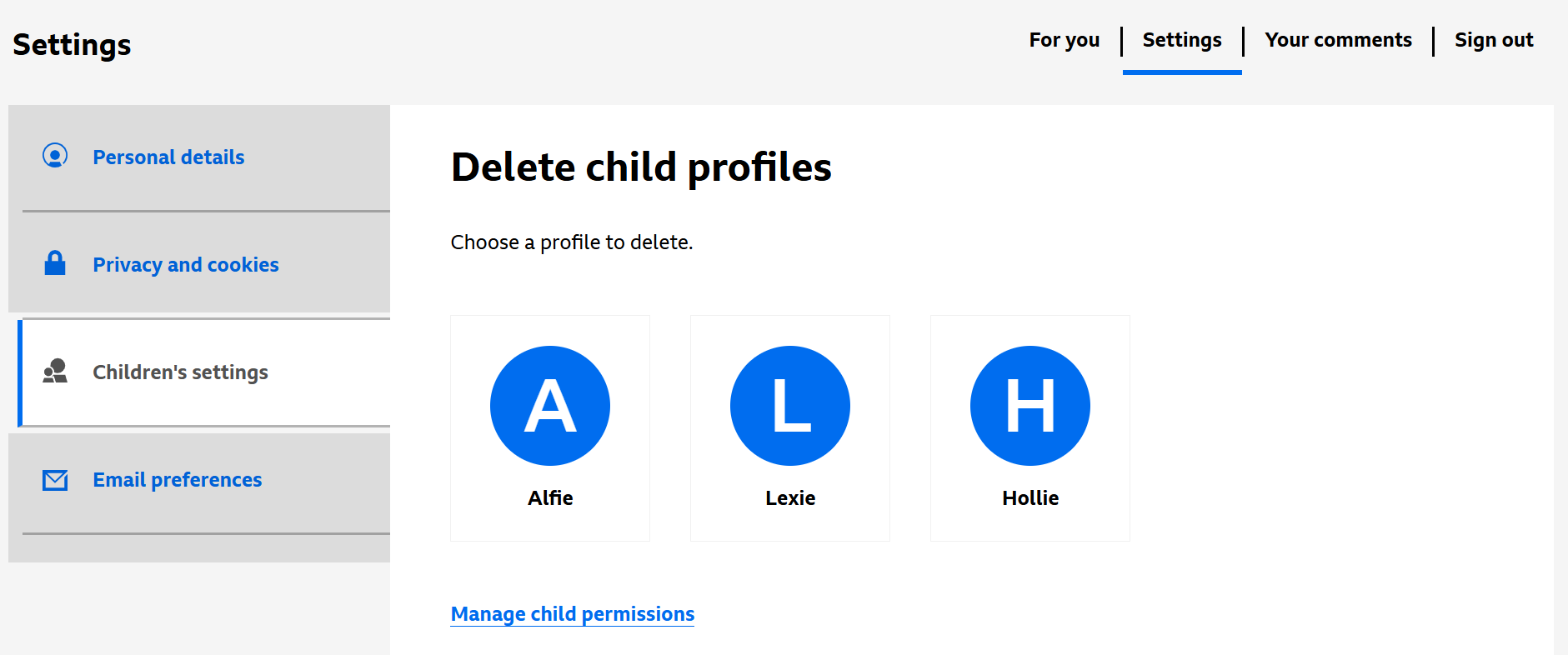
4. Select the child profile you want to delete
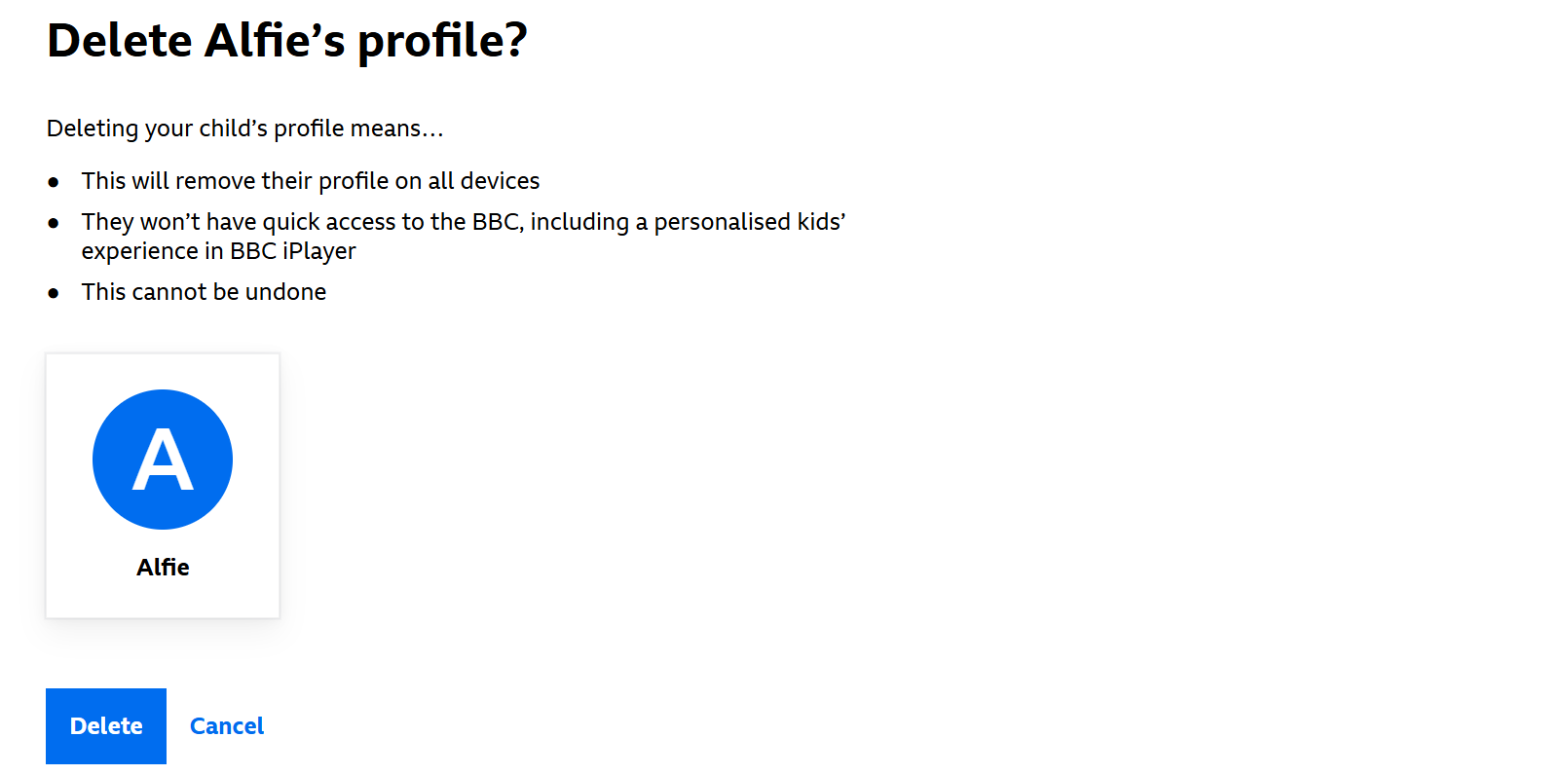
5. Click the Delete button to confirm
When using the iPlayer TV app after removing a child profile, the profile may still show. Selecting the profile will refresh the account and it will be removed.
Not seeing the profile you'd like to delete? If you can see a name on your TV but it doesn't show in your child profile settings, it's likely the profile is registered to another adult account that's signed in on the same TV, or it maybe be a child account. For more information on child accounts, have a look here: Help with child accounts and profiles
